
Retro Orbit
Hold to pull your craft into a tighter orbit, release to let it drift wider — collect energy and dodge debris.
Hold to tighten orbit
Fly as far as possible through a narrowing tunnel using only thrust and gravity.
Retro Rocket has one input. Holding it applies upward thrust; releasing it lets gravity take over. Everything else — the horizontal scroll, the tunnel generation, the speed — happens without you. From that single binary control the game extracts a surprisingly deep skill curve, because thrust is an acceleration and not a position, which means your altitude at any moment is the integral of everything you have pressed for the last two seconds.
New players hold the button too long, hit the ceiling, panic-release, hit the floor, and conclude the game is unfair. It is not — it is asking for a specific and learnable rhythm: short, frequent pulses that keep you oscillating around a target altitude rather than swinging between extremes. The moment that rhythm clicks, the game transforms.
The tunnel narrows with distance and adds obstacles: stalactites from the ceiling, columns from the floor, and eventually floating blocks in mid-channel that force you to choose a side commitment several seconds ahead. Speed also rises. The combination means late-game flight is about maintaining a stable altitude with minimum correction, which is the opposite of the instinct the early game teaches.
Fly as far as possible through a narrowing tunnel using only thrust and gravity.
| Input | Action |
|---|---|
| Space, Up arrow, W or click | Hold to thrust, release to fall |
| Touch anywhere on the play area | Hold to thrust (mobile) |
| P or Escape | Pause and resume |
| R | Restart |
Every game on this site can be paused with P or Esc and restarted with R. Sound, retro screen effects and fullscreen are toggled from the buttons above the play area.
The button applies upward force, not upward position. Your vertical velocity persists after release, which is why long holds overshoot badly. The correct technique is pulses of roughly 0.1 to 0.2 seconds.
The tunnel is generated with a smoothly varying centre line and a width that narrows on a curve. Obstacles are placed with a guaranteed minimum gap, so every configuration is passable — there are no unwinnable sections.
Fuel cells sit in the tunnel and are worth significant points, but they are placed near the walls rather than in the safe centre channel. As with everything else on this site, the scoring line and the survival line are deliberately not the same line.
| Action | Value |
|---|---|
| Distance | 15 points per second |
| Fuel cell collected | 250 points |
| Obstacle passed | 50 points |
| Near miss on a wall | 30 points |
Your best result is saved in this browser only. Nothing is uploaded, and there is no global leaderboard — see the storage policy for exactly what is kept.
Yes. Hold to thrust, release to fall. Everything else is automatic.
No. Generation guarantees a minimum gap through every configuration. If you cannot get through, there was a passable line.
Because thrust is acceleration rather than position. The control is simple; the control model is not.
Yes — tapping and holding anywhere on the play area works, which makes it the most phone-friendly game on the site alongside One-Tap Arcade.
Chosen by shared category, tags and difficulty — not padded with unrelated titles.
Hold to pull your craft into a tighter orbit, release to let it drift wider — collect energy and dodge debris.
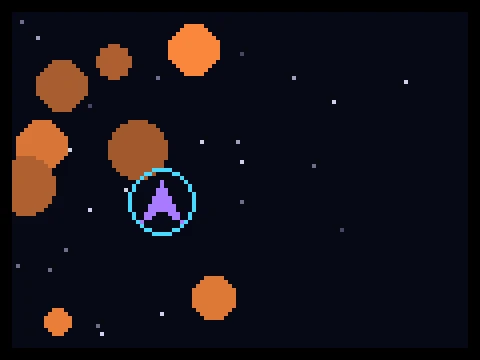
Survive an endless meteor field using momentum-based flight and a cooldown dash.
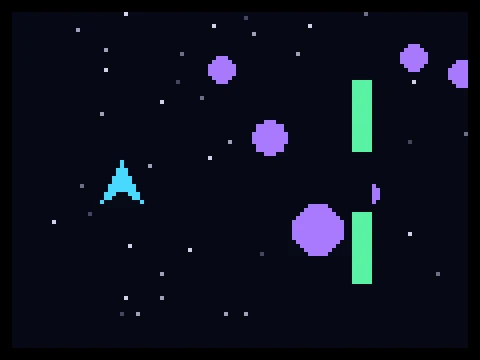
Steer a small starship through a scrolling hazard field of meteors, gates and energy barriers.
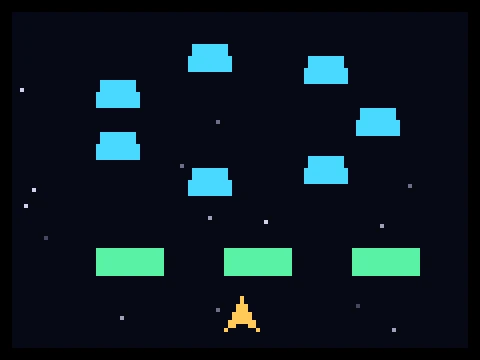
A formation-based space shooter with rotating enemy shapes and destructible shield cover.
The three curve shapes, what separates hard from unfair, and how difficulty is actually tuned.
Momentum flight, leading shots, formation reading, dash economy and orbital control.
What defines an arcade game, how the six main families differ, and how to get better at all of them.