
Retro Rocket
A one-button tunnel flight where holding thrusts upward and releasing lets gravity pull you down.
Hold to thrust
Stay in orbit as long as possible, collecting energy rings while avoiding debris at every radius.
Retro Orbit gives you one input that controls your orbital radius. Holding it applies inward acceleration, pulling you toward the central body; releasing lets your momentum carry you outward. You are always orbiting — the question is only how tightly.
The physics are simplified but they respect the one relationship that matters: tighter orbits are faster. Pull in close and you sweep around the centre quickly, which is exciting and gives you very little time to react to anything. Drift wide and you move slowly with plenty of reaction time, but the outer radii are where debris density is highest and where energy rings are worth the least.
This creates a genuine optimisation problem rather than a simple dodging one. There is a sweet-spot radius that maximises points per unit of risk, and it moves as the game progresses because debris spawns adapt to where you have been spending your time. Players who find a comfortable radius and stay there get squeezed out of it deliberately.
Stay in orbit as long as possible, collecting energy rings while avoiding debris at every radius.
| Input | Action |
|---|---|
| Space, Down arrow, S, click or tap | Hold to tighten orbit, release to widen |
| P or Escape | Pause and resume |
| R | Restart |
Every game on this site can be paused with P or Esc and restarted with R. Sound, retro screen effects and fullscreen are toggled from the buttons above the play area.
Holding applies inward acceleration; releasing lets angular momentum carry you outward. Radius changes are gradual, so the input has to lead the situation by roughly a second.
Energy rings collected at small radii are worth substantially more than the same rings at large radii. The inner orbit is the high-scoring, high-risk position, which is where the game wants you.
Debris spawn density is weighted toward the radius band you have spent the most time in over the last thirty seconds. Camping a comfortable orbit stops working, which forces continuous radius variation.
| Action | Value |
|---|---|
| Energy ring at outer radius | 60 points |
| Energy ring at mid radius | 150 points |
| Energy ring at inner radius | 400 points |
| Survival | 25 points per second |
| Full revolution at inner radius | 500 point bonus |
Your best result is saved in this browser only. Nothing is uploaded, and there is no global leaderboard — see the storage policy for exactly what is kept.
Smaller orbits have a shorter circumference and the game preserves angular momentum, so your angular velocity rises as you pull in — the same relationship real orbits have.
Yes. Holding the input too long spirals you into it, which ends the run. The inner boundary is marked.
Spawn density is weighted toward the radius band you have used most in the last thirty seconds. It is a deliberate anti-camping mechanism.
Because the inner orbit — where the points are — moves faster than you can react to, so the game demands planning rather than reflexes.
Chosen by shared category, tags and difficulty — not padded with unrelated titles.
A one-button tunnel flight where holding thrusts upward and releasing lets gravity pull you down.
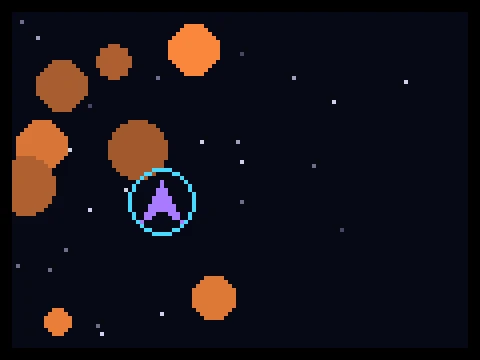
Survive an endless meteor field using momentum-based flight and a cooldown dash.
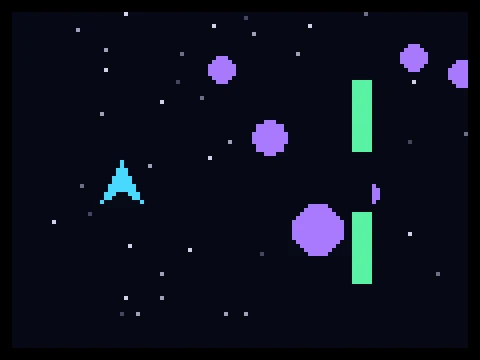
Steer a small starship through a scrolling hazard field of meteors, gates and energy barriers.
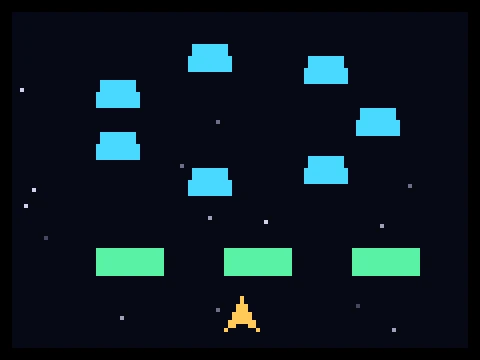
A formation-based space shooter with rotating enemy shapes and destructible shield cover.
Lives, waves, power-ups, invulnerability and spawn logic — the standard building blocks explained.
Momentum flight, leading shots, formation reading, dash economy and orbital control.
What defines an arcade game, how the six main families differ, and how to get better at all of them.